
This article showcases some of the work I have done on various Sinclair ZX Spectrum computers. It is part of my ongoing efforts to repair, restore or modify the pieces I have collected over the years.
Keyboard connector repair
A friend gave me this motherboard a few years ago; it had been stored in a box in the cellar with other broken or damaged boards. The previous owner had poorly removed the keyboard connectors – in his defence, he was a teenager and still a novice with the soldering iron at the time. Two flat cables had been soldered in their place in an attempt to repair the keyboard membrane.
Since I had a couple of spare connectors in a drawer, I decided to attempt a repair. However, the larger connector was in really bad shape, with several pads missing on both the top and bottom.
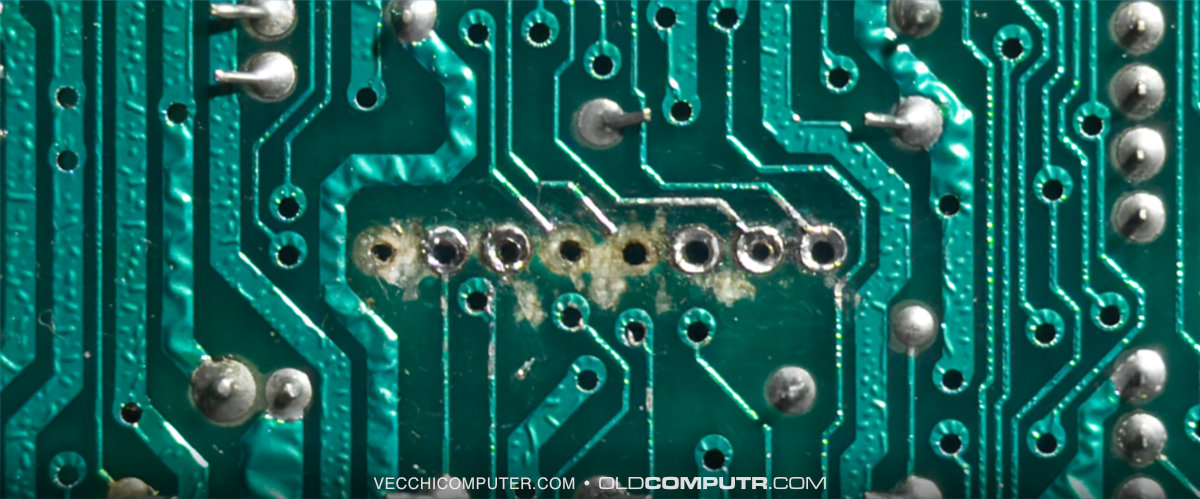
As I had never encountered this problem before, I searched online for solutions and found this video, which provided the appropriate answer. I made three small rings using some spare capacitor terminals:
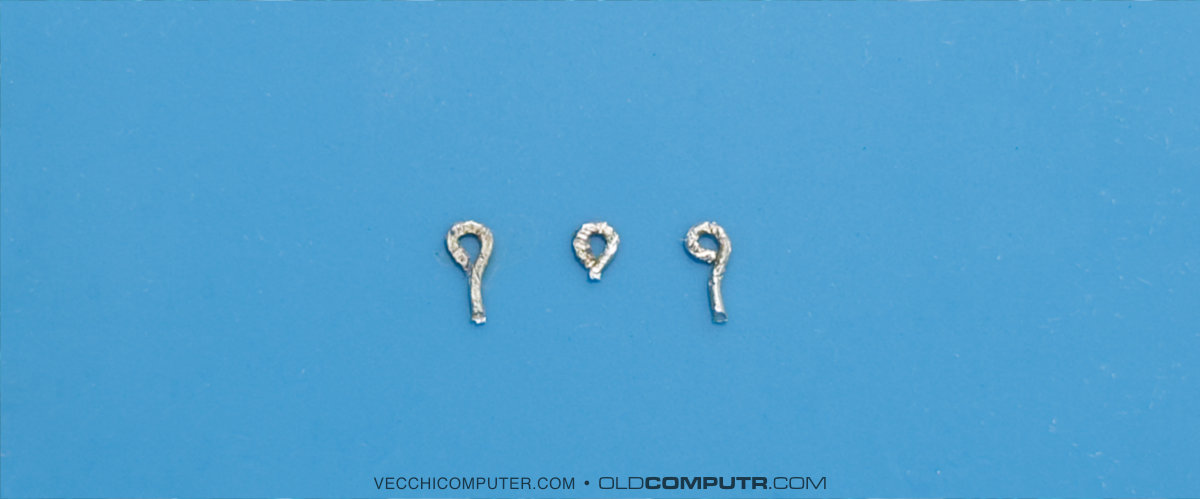
After soldering the connector onto the intact pads, I slipped the rings onto the terminals and soldered them in place to secure the connector and restore contact with the two central tracks.
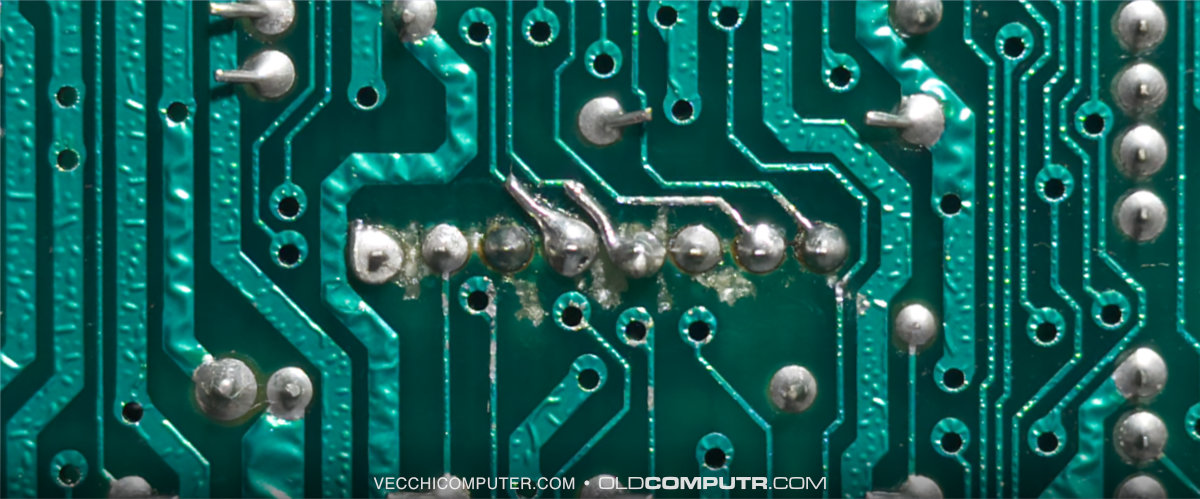
The result is acceptable, but the most important thing is that, after connecting a keyboard, all the keys work correctly.
Composite mod
After restoring the keyboard connectors, I decided to modify the RF output to a composite signal, which is easier to manage and of better quality. The modification is very simple and reversible, and is described on various websites (here is the guide I followed).
The simplicity is due to the fact that the Spectrum already produces a composite signal, so it’s just a case of bypassing the modulator completely and bringing the original signal to the RCA connector.
The process starts with desoldering the modulator input and power supply, as well as the resistor soldered to the centre of the RCA connector.
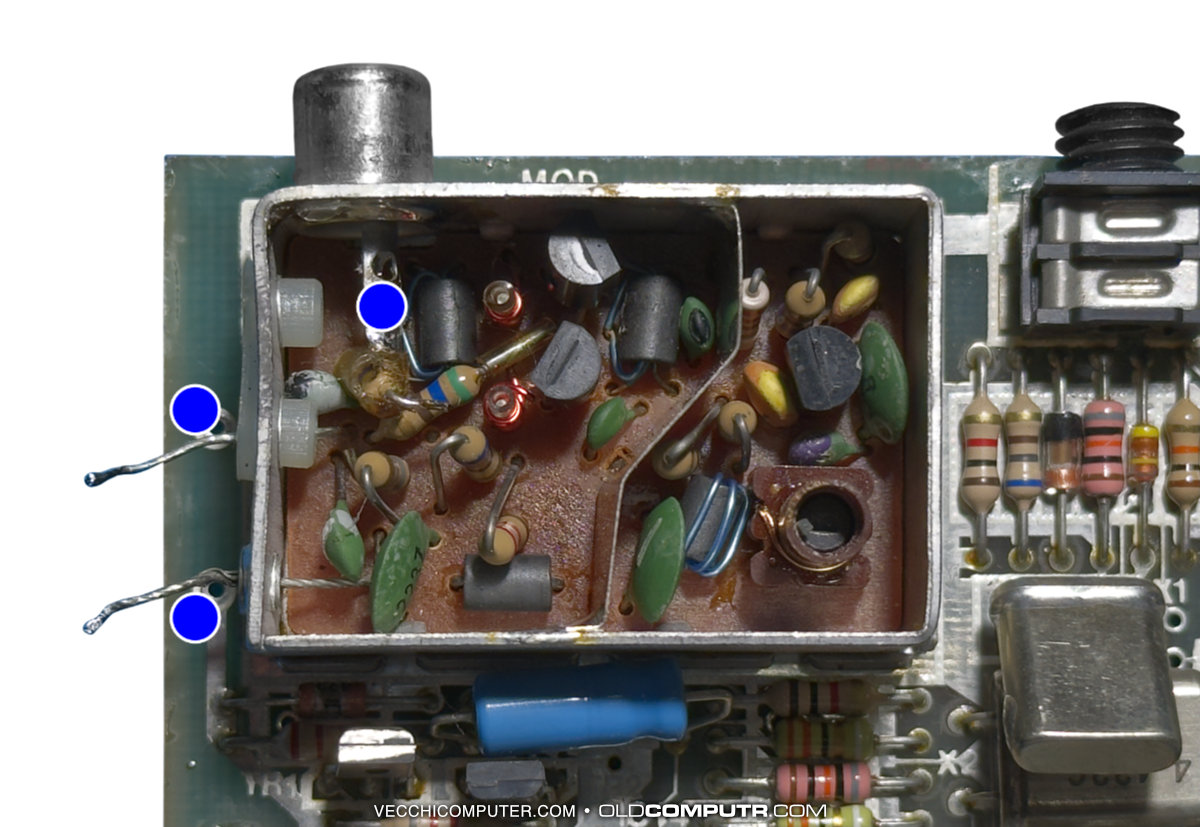
You could simply connect the composite signal to the centre pin of the RCA connector using a small cable. However, to stabilise the signal on modern TVs, it is better to add a 16 V, 100 µF capacitor. Solder the negative terminal to the motherboard and the positive terminal to the point where the resistor was soldered.
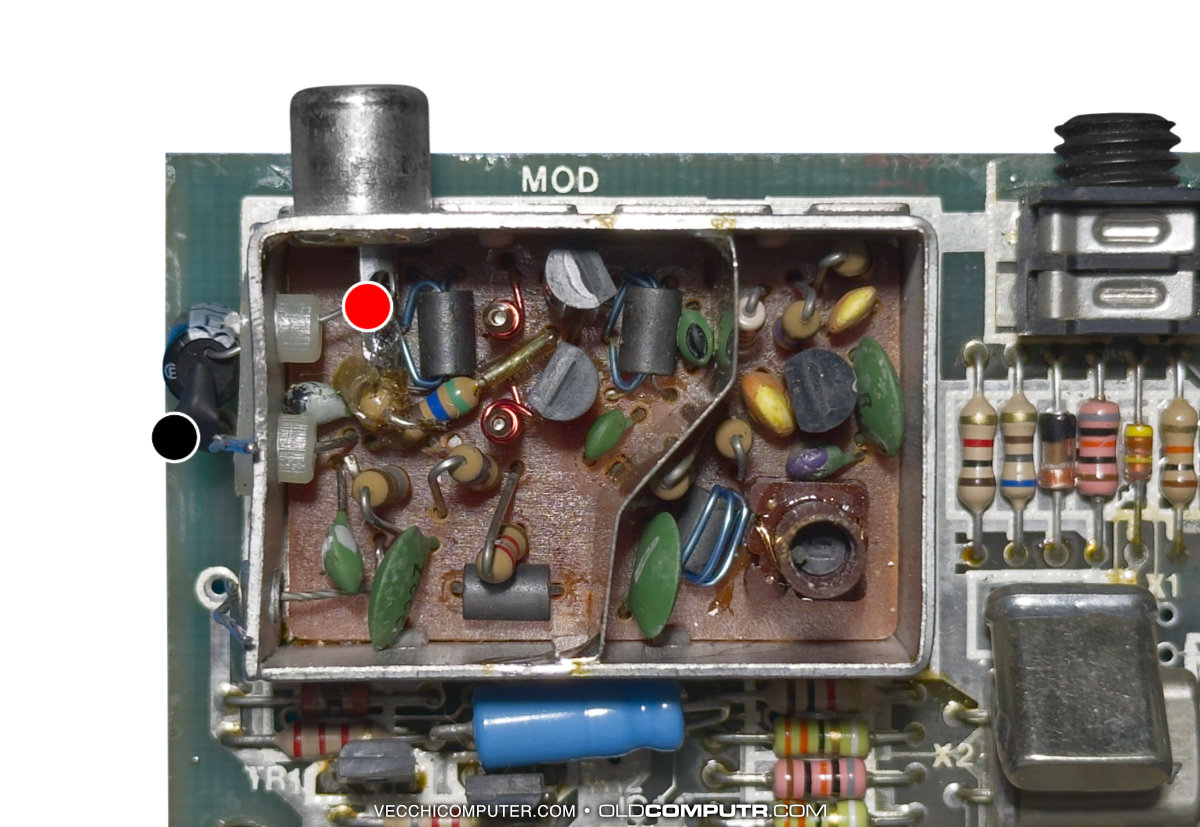
This is the final result after the modulator cover has been closed.
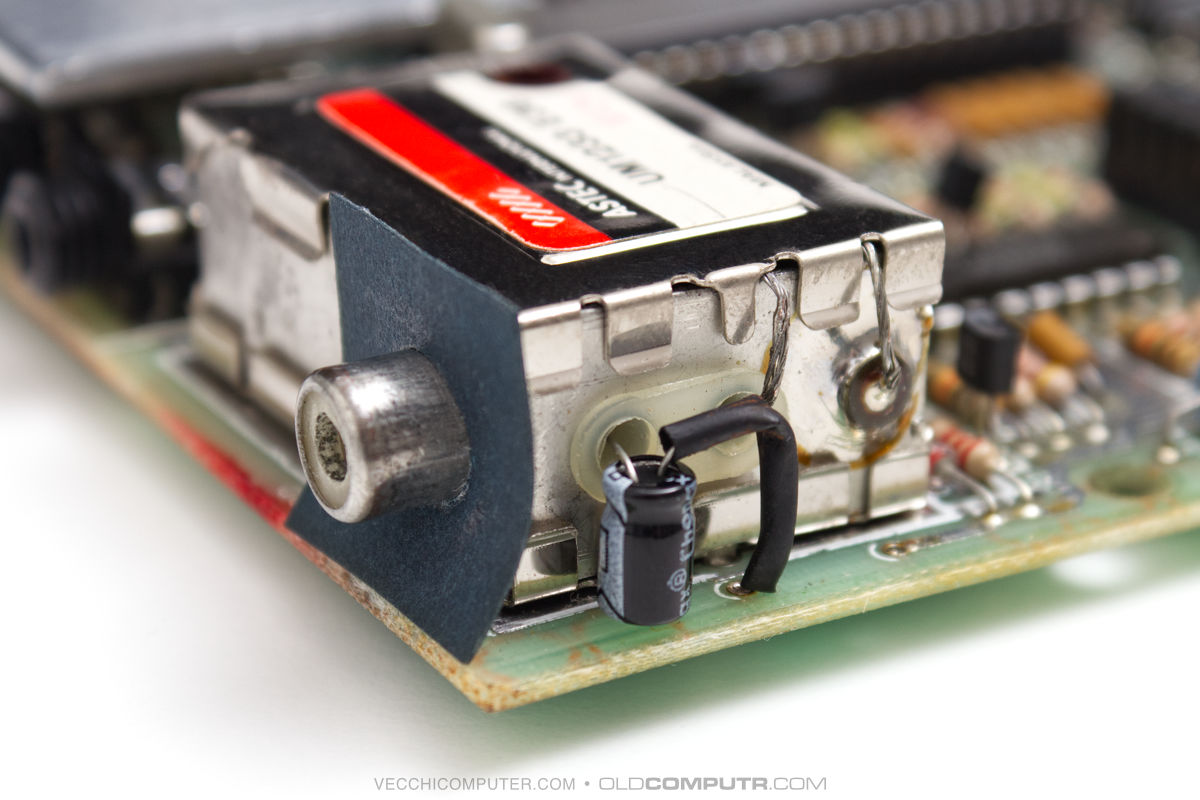
While the image quality generated by the modulator is not terrible on a CRT TV, more recent LCD TVs struggle to lock to the UHF signal; the composite signal is less blurred and slightly more defined, and the colours are more vivid. Below are photos taken before and after the modification, showing the ZX Spectrum connected to a CRT television.


Given how simple the modification is, I also carried it out on a couple of other boards that I was repairing.
Motherboard repair
This is the motherboard that has given me the most satisfaction. It belongs to a ZX Spectrum 16K that I bought a few years ago, thanks to a tip from a friend. It was brand new and still in its original polystyrene packaging (the cardboard box was missing). It is an issue 3B, the last one also available in a 16K version: from the next one onwards, all models were sold exclusively with 48KB of RAM.
The LCD TV in the lab, an old Sony Bravia discarded by my parents, had a lot of trouble picking up the signal: sometimes the copyright text would appear and it would be possible to type something with the keyboard. However, even a simple command to change the border colour would reset the computer.
Following the instructions in this article, I verified that the TR5 transistor was faulty. Apparently, this is a fairly common fault and it is recommended that, if either TR4 or TR5 is faulty, both should be replaced. The symptoms of a fault in these components corresponded to what I was seeing on the screen.

On the Sinclair Wiki: Replacement components page, I found the codes for transistors with the same specifications as the originals. These were easy to find, so I ordered them online.
Once I had replaced them, the ZX Spectrum started working properly again. I successfully loaded Jet Pac, which only requires 16 KB, and my son wanted to play it for a while, even though he’s not used to playing with a keyboard. Finally, I wrote a BASIC program that ran for an hour without any problems.
The next day, I remembered that I had a Kempston-compatible DK’Tronics joystick interface that I had never tested. It works perfectly.
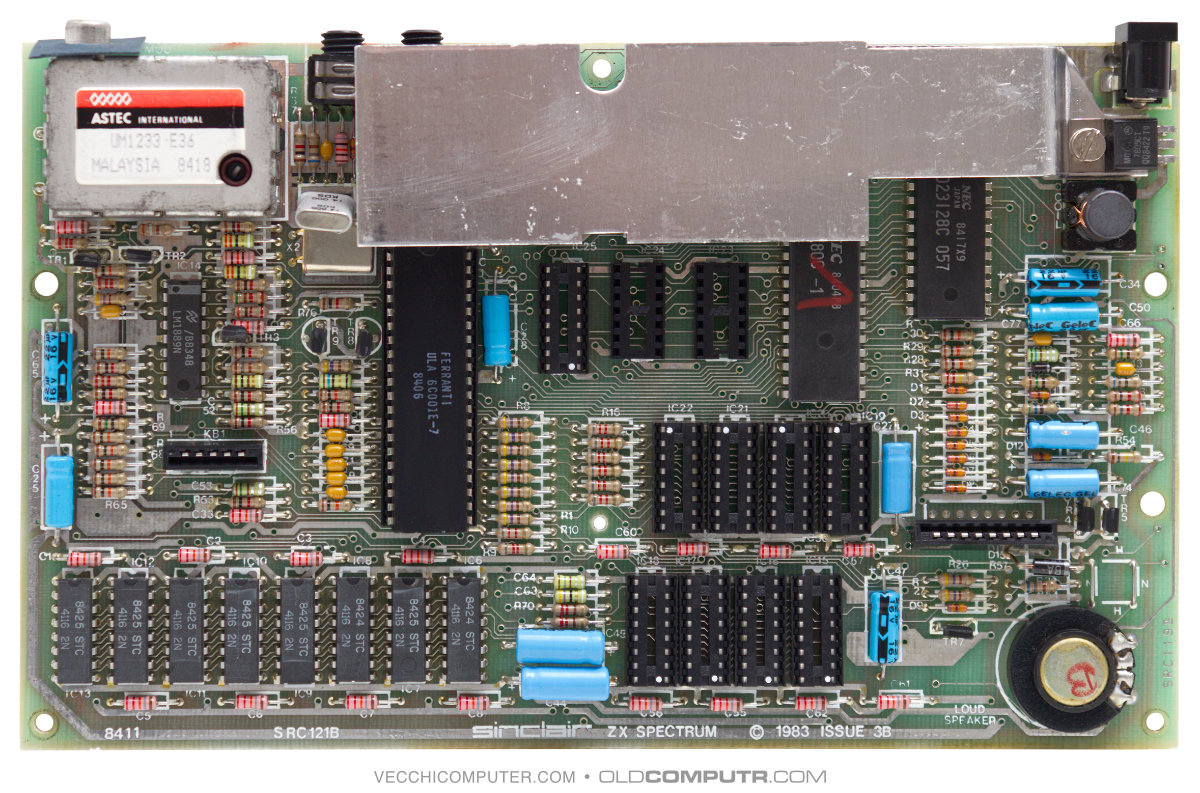
TR4 and TR5 are positioned to the right of the larger keyboard connector. Here is a photo of the repaired issue 3B motherboard:
48K upgrade
Since most games require 48 KB of RAM, I bought an upgrade kit. This is the motherboard, without the heat sink, before the upgrade:
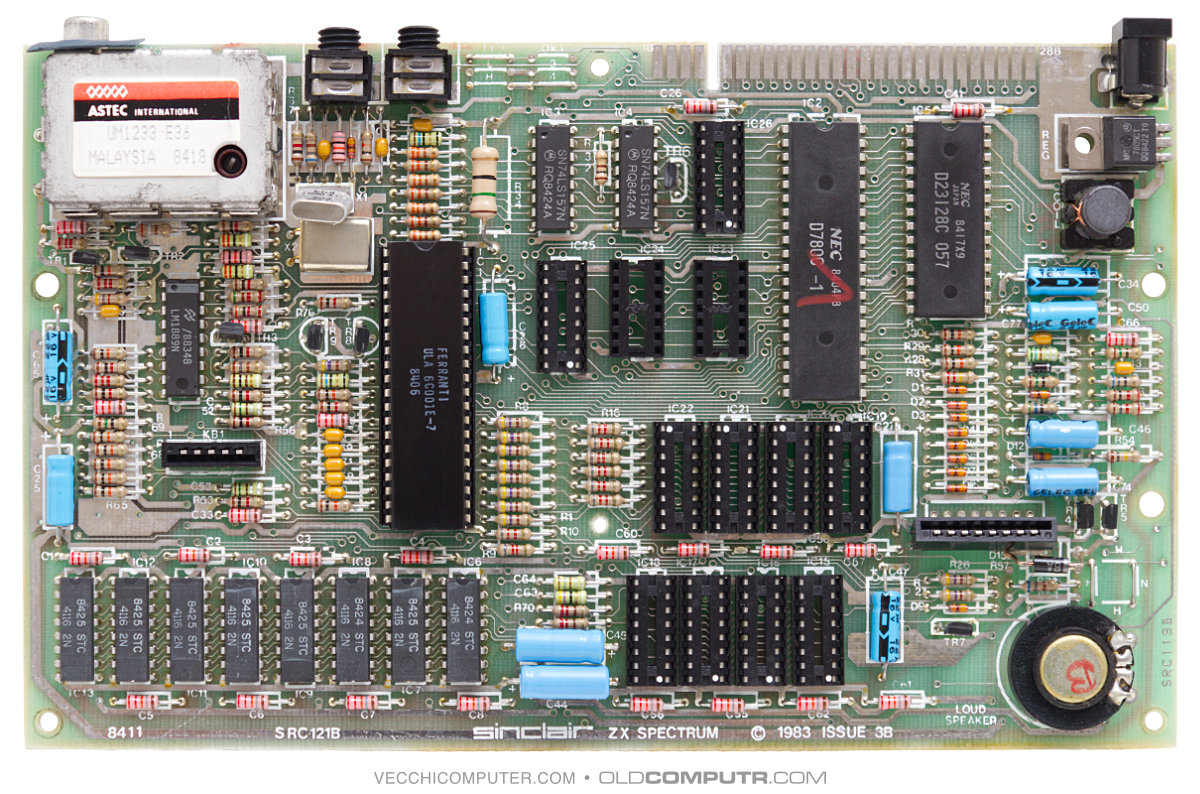
To expand the memory to 48 KB, the missing components simply need to be inserted into the existing sockets, and, in theory, the position of a couple of jumpers on the motherboard needs to be changed. In my case, however, the two jumpers were already in the correct position (for issue 3B: T1 and 4).
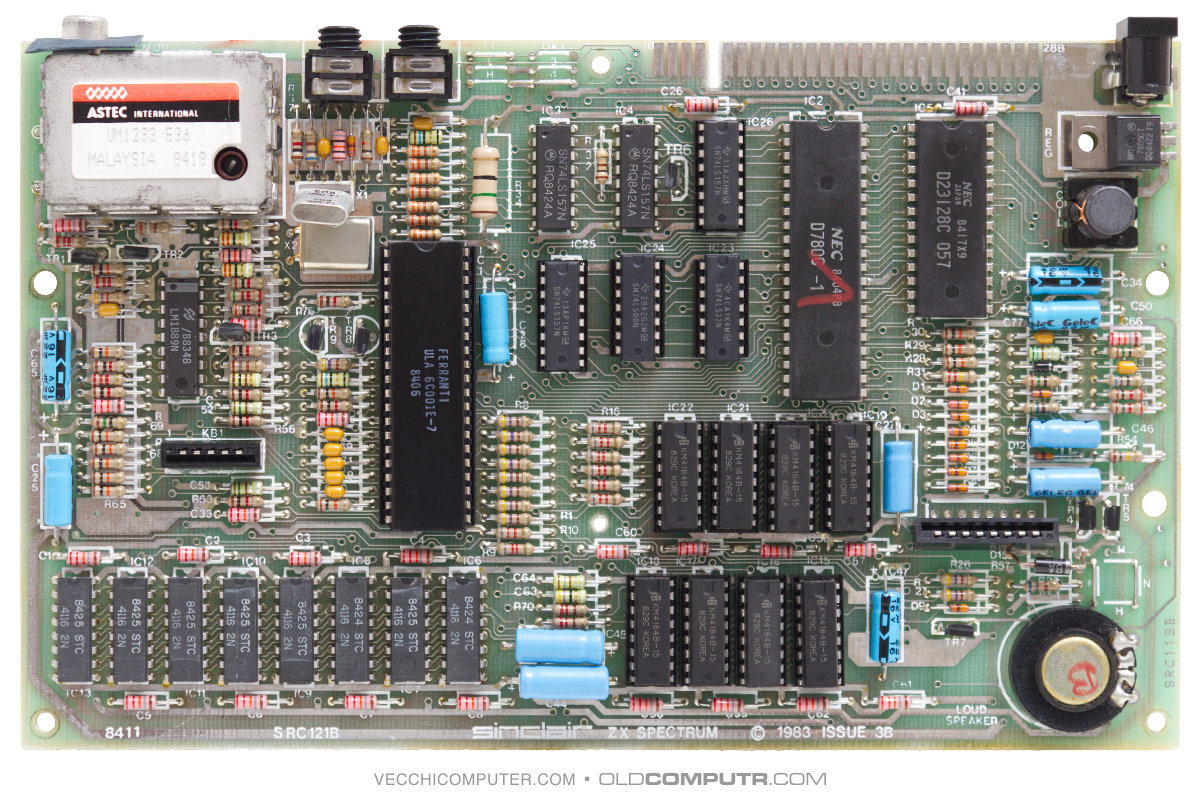
Apart from upgrading to 48 KB, I will keep this board original, without making any other modifications.
7805 replacement
The 7805 is a voltage regulator that produces an output voltage of 5V. Although it is a reliable component, it is very inefficient from an energy point of view: 80% of the energy is lost as heat, which is why it is always used with large heat sinks. Modern switching replacements are 90% efficient and have the advantage of consuming less energy and not requiring any heat sinks. However, in some cases, a modern regulator can introduce noise to the video signal. I found this video very useful for performing the same operation on a Super Nintendo. I opted for two 2A regulators (the 7805 is 1A) to allow me to connect modern interfaces without any concerns. The position of the 7805 varies depending on the motherboard revision. For issue 2, I used a RECOM R-78K5.0-2.0L regulator with 90° pins.
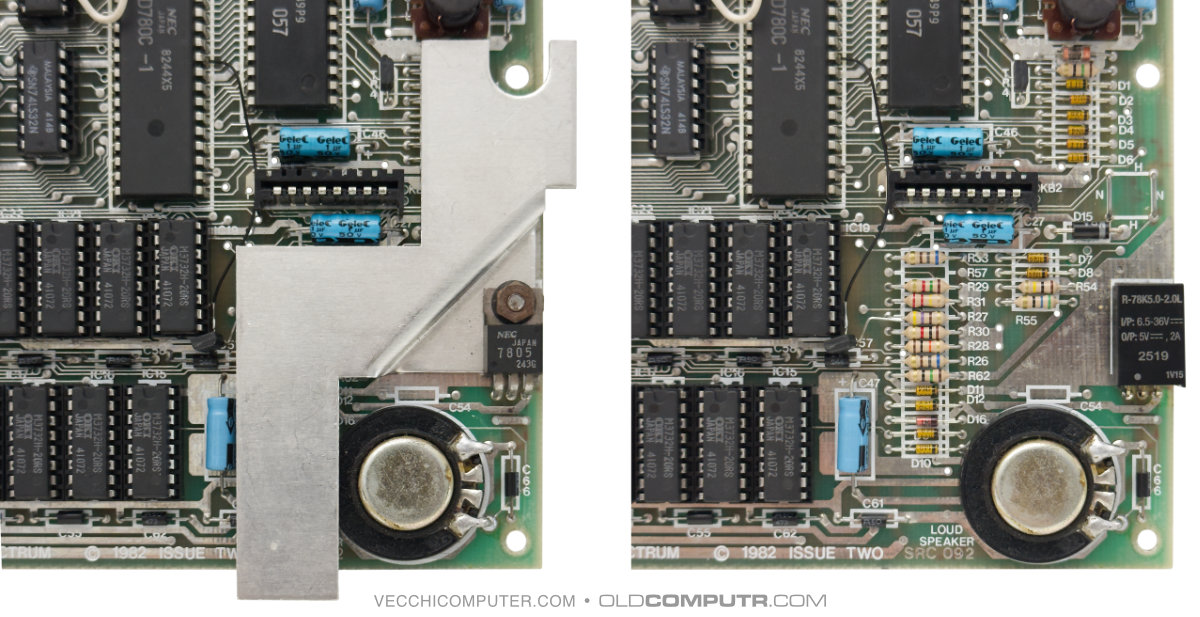
On issue 3, I used a TRACO TSR 2-2450N.
Keyboard membrane replacement
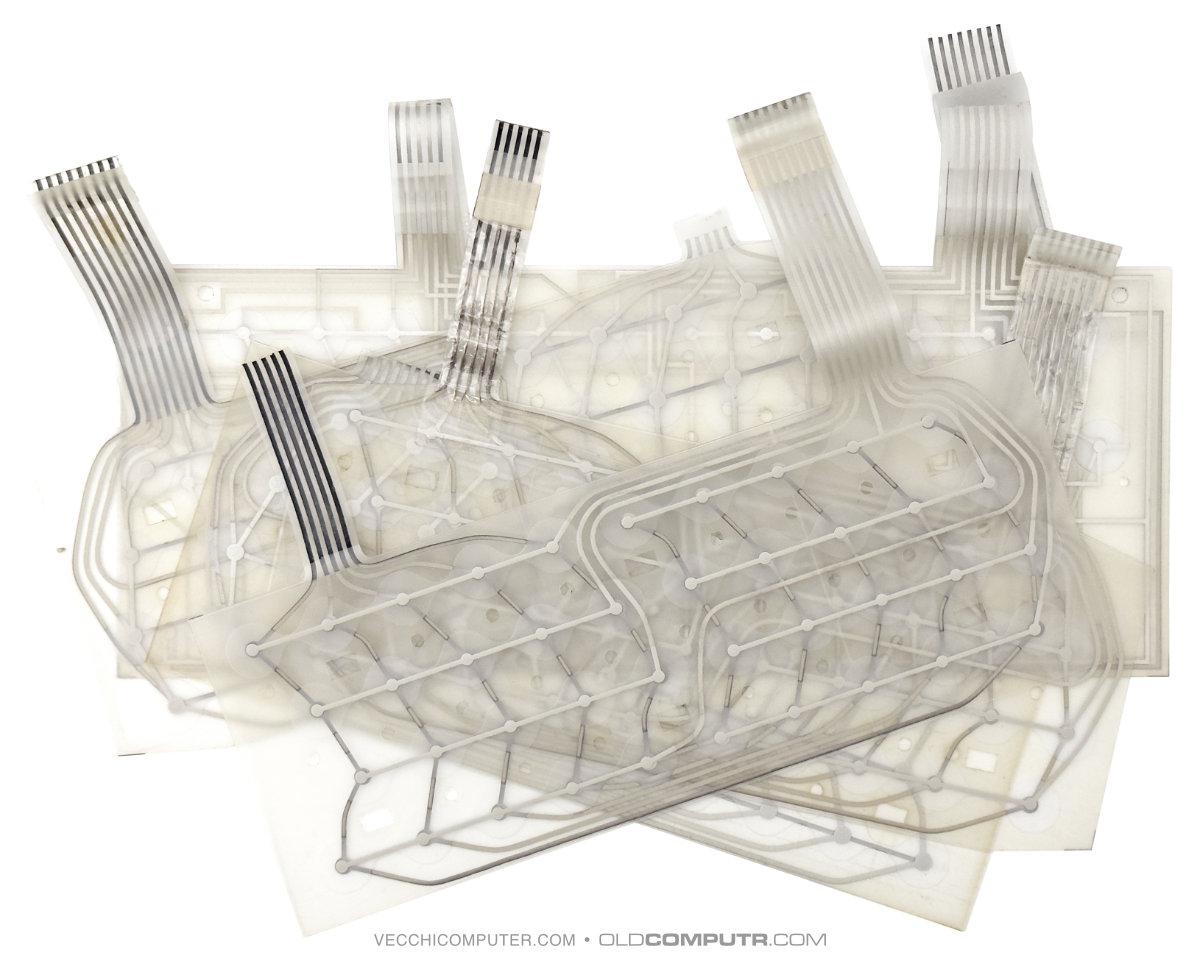
The plastic material used to make the keyboard membrane loses elasticity over time; after 40 years, it is often enough to disconnect the membrane from the motherboard to create a few cracks and interrupt contact. I tried to repair it more than once, without obtaining satisfactory or permanent results. Fortunately, it is possible to purchase newly manufactured replacement membranes.
I searched online for shops in the European Union, but in the end, the cheapest solution was to buy from the United Kingdom. In addition to being cheaper, the (long-established) RWAP Software shop (from which I had already purchased before Brexit) was the only one that had all the membranes I needed in stock: one for the ZX81, some for the ZX Spectrum, and a couple for the QL.
There are no duties for amounts under €150; only a few pounds are added for the bureaucratic handling of the extra-EU sale.
As the shop’s website is outdated and difficult to navigate, here is a link to the page listing all the membranes.
These are all the membranes I have replaced over the years. The largest one is from the ZX Spectrum+, replaced in 2011.
Miscellaneous
I bought a switch to connect between the power supply and the Spectrum on AliExpress. I’m not providing a direct link as it will probably no longer be valid in a few months – just search for 5.5 x 2.1 mm DC Power Plug Switch on off.

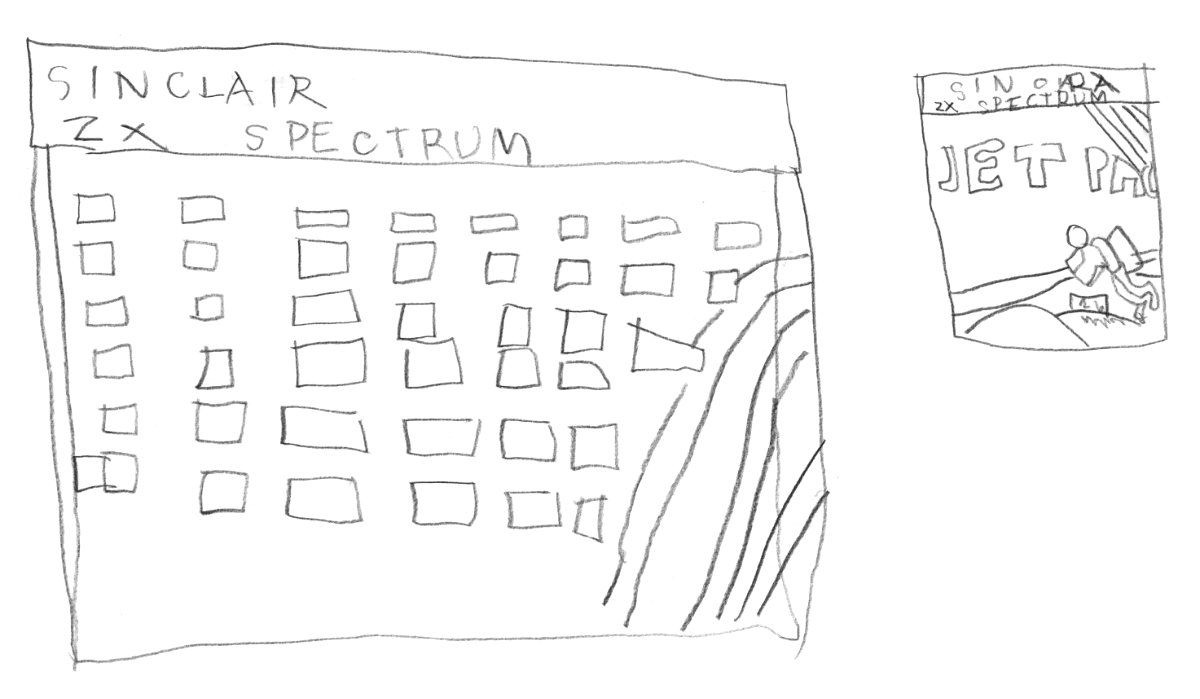
Finally, here is a drawing by my eight-year-old son, Edward, made while he was waiting to play Jet Pac.
Discover more from Oldcomputr.com
Subscribe to get the latest posts sent to your email.
Nice job. You might consider using small PCB rivets for replacing missing pads. Just search ‘rivets for pcb’ on aliexpress, they are dirt cheap.